Location Display Options
Location Display Options
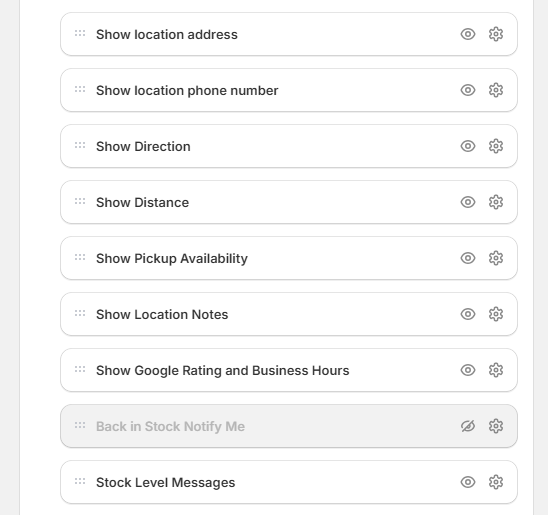
This setting allows you to control how stock availability messages appear on your product pages for each location. You can choose from pre-designed styles or create a fully customized message to suit your store’s tone and layout.
-
Show Location Name: Displays the location name.
-
Show Location Address: Displays the location address. formatted as well as inline.
-
Show Location Phone: Displays the location phone number.
-
Show Google Ratings and Business hours: Displays the google rating and business hours of the location.
-
Show Stock Level Message: Displays the stock level message of the location.
-
Show Location Notes: Displays the location notes of the location.
-
Show Location Directions: Displays the directions to the location.
-
Show Location Distance: Displays the distance from the location to the customer's current location.
etc.
| For inquiries, support, or assistance, feel free to reach out to us at: 📧 Email: [email protected]