Filter Locations
Go to Multi-Location Stock Info → Location Filters. This Premium-gated page has two main cards: Filter locations based on Conditions, and Address Search Country Restriction.
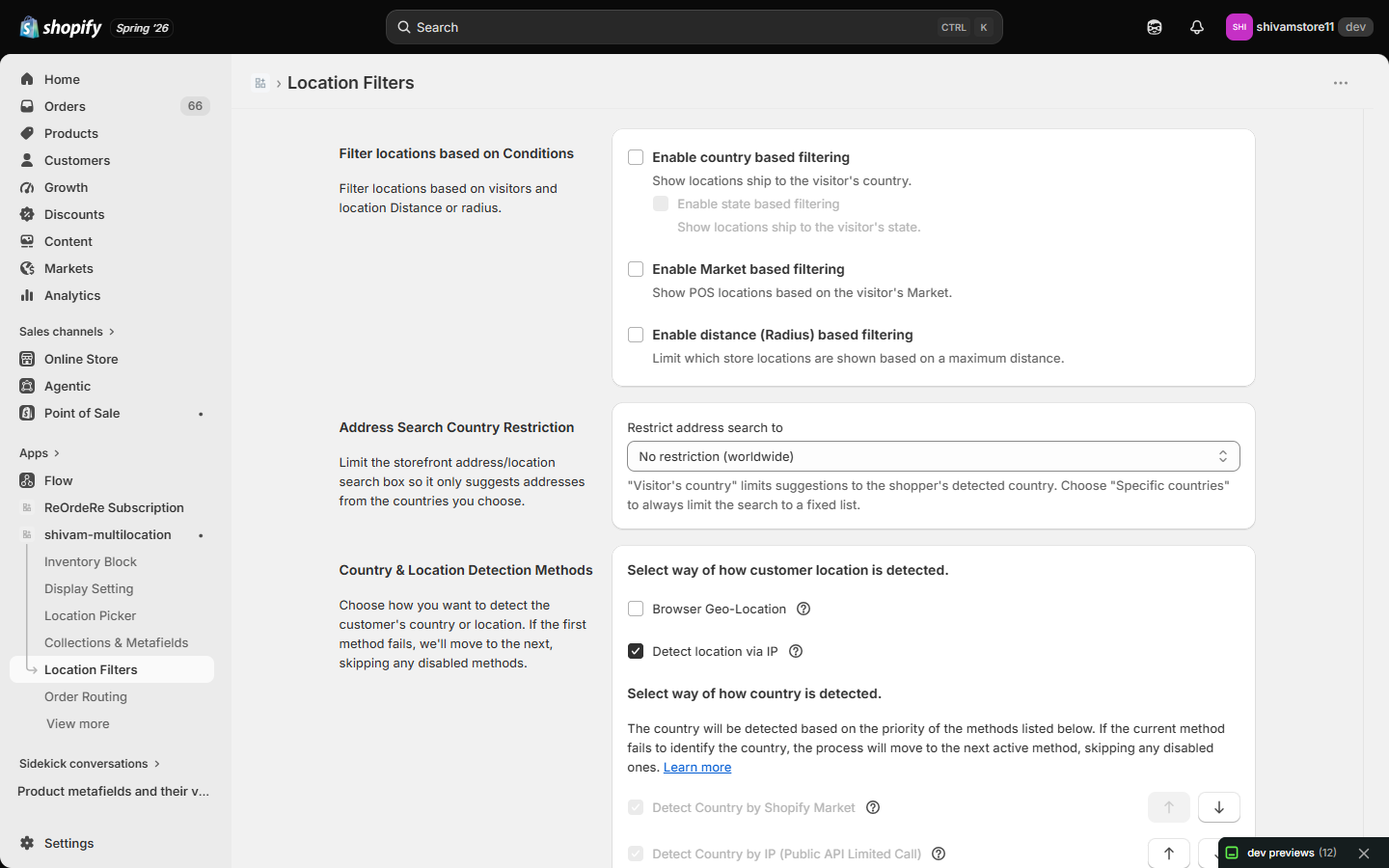
Filter locations based on Conditions
- Enable country based filtering — shows only locations that ship to the visitor's detected country.
- Enable state based filtering (available once country filtering is on) — further restricts to locations that ship to the visitor's detected state.
- Enable Market based filtering — shows POS locations based on the visitor's Shopify Market.
- Enable distance (Radius) based filtering — limits which locations are shown based on a maximum distance from the customer. When enabled, you choose one of two behaviors and set a Maximum Distance (Radius) per location:
- Disable locations that are outside the radius — keeps out-of-range locations visible but not selectable.
- Hide locations that are outside the radius — removes out-of-range locations from the list entirely.
Address Search Country Restriction
Limits the storefront's address/location search box so it only suggests addresses from countries you choose:
- Visitor's country — limits suggestions to the shopper's detected country.
- Specific countries — always limits the search to a fixed list you choose (capped at 5 countries, a Google search limit).
- No restriction (worldwide) — the default; no country limit.
Country and location detection itself (browser vs. IP, and the country-detection method priority) is configured on the same page — see Country Detection for details.
| For inquiries, support, or assistance, feel free to reach out to us at: 📧 Email: [email protected]